



A test drive is about much more than deciding whether a vehicle feels good during a quick trip around the block. It is your opportunity to evaluate comfort, visibility, technology, capability and everyday practicality before making an important decision.
Whether you are considering a GMC Sierra 1500, Canyon, Terrain, Acadia or Yukon, arriving with a plan can help you get more value from your visit. Here are 10 things to check when test-driving a new or pre-owned GMC at Pointe GMC.
1. Make Sure the Vehicle Fits Your Everyday Life
Before you begin driving, take a moment to think about how you will actually use your vehicle.
Do you need room for children, passengers, pets or recreational equipment? Will you use it primarily for commuting, family transportation, towing, jobsite work or weekend travel?
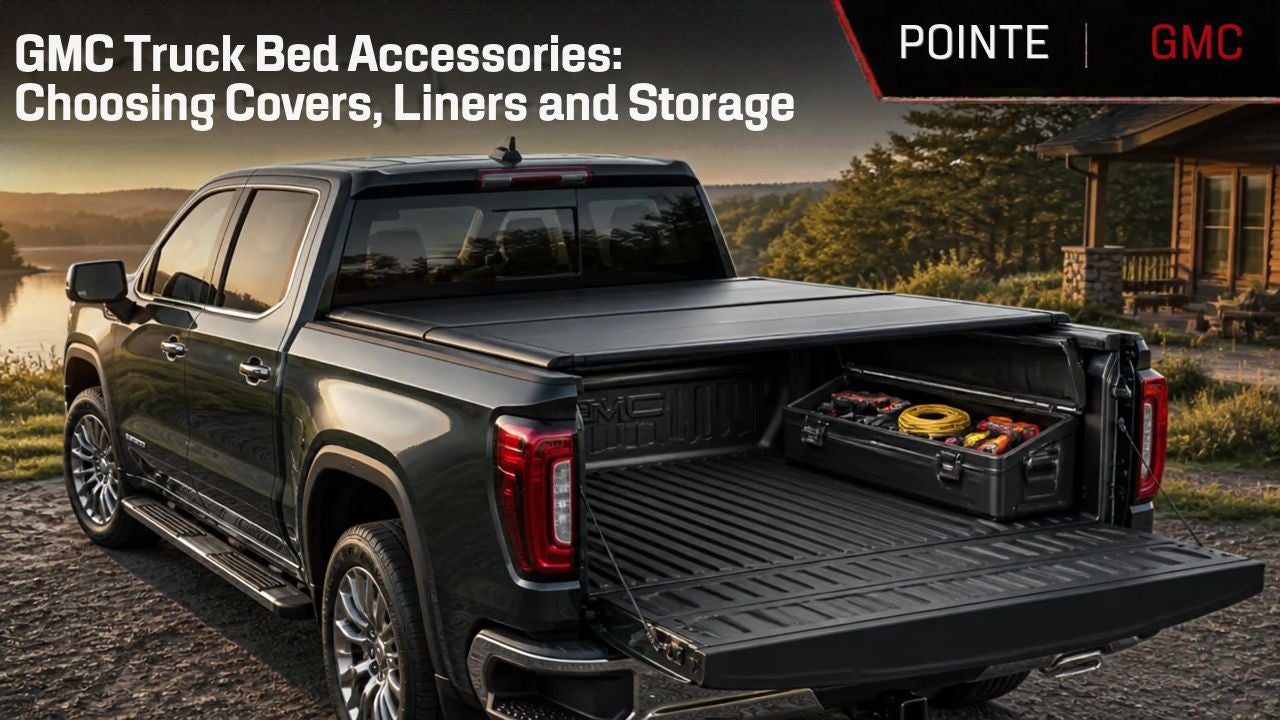
Open the doors, sit in every row and explore the cargo area. If you regularly carry large items, check how easily the seats fold and whether the available space matches your needs. Truck shoppers should examine the bed, available storage solutions and access points.
A vehicle may look perfect online, but seeing it in person helps you determine whether it truly works for your routine.
2. Adjust the Driver’s Seat and Mirrors
Take time to create a comfortable driving position before leaving the dealership.
Check whether you can easily:
- Reach the pedals and steering wheel
- See the instrument display
- Adjust the mirrors
- Access frequently used controls
- Enter and exit the vehicle comfortably
- Maintain a clear view of the road
If more than one person will regularly drive the vehicle, each driver should test the seating position. Available memory-seat settings may also be worth exploring.
3. Evaluate Visibility
Visibility can vary considerably between a compact SUV, three-row SUV and full-size pickup.
Look forward, to both sides and through the rear window. Pay attention to blind spots and how easily you can judge the vehicle’s dimensions.
When equipped, ask to try features such as an HD Rear Vision Camera, HD Surround Vision or a Rear Camera Mirror. These technologies can provide additional views, but you should still feel comfortable with the vehicle’s basic visibility.
4. Test the Technology
Modern GMC vehicles offer technology designed to keep drivers informed, connected and comfortable. Before your drive, ask the sales representative to demonstrate the infotainment system.
Try common tasks such as:
- Connecting your smartphone
- Making a hands-free call
- Entering a destination
- Adjusting the audio
- Changing climate settings
- Locating vehicle information
- Viewing available camera displays
The best technology should feel useful and intuitive. Testing it before you buy can help you determine whether the vehicle offers the convenience you want.
5. Drive on Different Types of Roads
Whenever possible, your test-drive route should include more than one type of road.
City streets can reveal how easily the vehicle maneuvers through traffic and intersections. A highway provides an opportunity to evaluate acceleration, road noise and ride comfort at higher speeds. Rougher pavement can help you assess suspension comfort and cabin quietness.
If you are comparing multiple GMC models or trims, try to drive them along a similar route. That makes differences in ride quality and handling easier to recognize.
6. Pay Attention to Acceleration and Braking
Notice how the vehicle responds when pulling away from a stop, merging into traffic and slowing down.
Acceleration should feel appropriate for your typical driving needs, while braking should feel smooth and predictable. Consider whether the vehicle’s size and power feel comfortable to you.
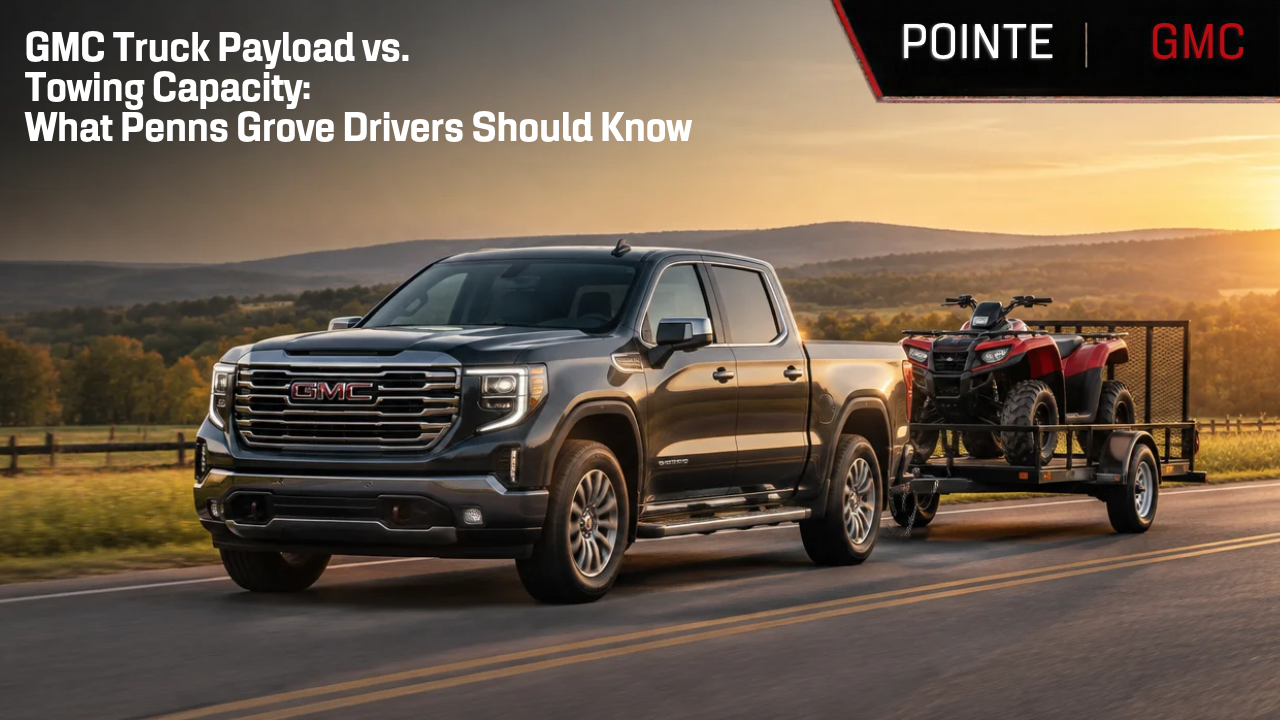
Truck buyers who expect to tow or haul should also discuss engine choices, trailering equipment and payload requirements with the Pointe GMC team. Capability varies by model, configuration and equipment, so it is important to choose a vehicle suited to your specific needs.
7. Check Maneuverability and Parking
A vehicle can feel very different in a parking lot than it does on an open road.
Practice turning, backing up and parking. Make sure you feel comfortable judging the front, rear and sides of the vehicle. If the model includes parking-assistance technology or multiple camera views, ask to see how those features operate.
This can be especially helpful when comparing a compact GMC Terrain with a larger Acadia, Yukon or Sierra.
8. Listen to the Cabin
Turn the audio system off for part of the drive and listen.
Pay attention to:
- Wind and road noise
- Engine sound
- Suspension noise
- Interior rattles
- Heating and air-conditioning fan noise
This is particularly important when buying a pre-owned vehicle. If you hear or feel anything unusual, ask about it before making a decision.
9. Explore the Trim-Level Differences
Two versions of the same GMC model can provide noticeably different experiences.
Depending on the vehicle, different trims may emphasize everyday value, off-road capability, premium comfort or advanced technology. Available trims such as AT4, Denali and Denali Ultimate can include distinct styling, materials, equipment and driving features.
Do not assume that the highest trim is automatically the right choice. The best trim is the one that includes the features you will regularly use while staying within your preferred budget.
10. Ask Questions Before You Leave
A test drive should leave you with fewer questions—not more.
Before your visit ends, ask about:
- Warranty coverage
- Included and available features
- Financing or leasing options
- Current vehicle specials
- Trade-in value
- Maintenance expectations
- Accessories
- Differences between available trims
- New versus pre-owned options
Writing down your questions beforehand can help ensure you do not forget anything during the excitement of seeing a new vehicle.
Frequently Asked Questions About GMC Test Drives
How long should a test drive take?
Allow enough time to adjust the vehicle, explore its features and drive in several normal conditions. Avoid rushing through the process, especially when comparing multiple vehicles.
Should I test-drive more than one GMC?
Yes. Driving more than one model or trim can make your priorities clearer. You may discover that you prefer a different vehicle size, seating configuration or collection of features than you originally expected.
What should I bring to a dealership test drive?
Bring a valid driver’s license and any notes about your preferred vehicle, budget or must-have features. You may also want to bring frequently used items—such as a child safety seat or bulky equipment—to check how well they fit.
Can I have my current vehicle appraised during my visit?
Yes. Having your current vehicle evaluated while you test-drive potential replacements can help you understand your available trade-in value and overall purchasing options.
Schedule Your GMC Test Drive at Pointe GMC
The right vehicle should feel comfortable on the road and make sense for your everyday life. A thoughtful test drive can help you compare your options confidently and find the GMC that best matches your needs.
Visit Pointe GMC at 91 N. Virginia Avenue in Penns Grove, New Jersey, to explore our available trucks and SUVs. Call our sales team at 856-517-4575 or browse our current inventory online to schedule your test drive today.
Safety and driver-assistance features are not substitutes for attentive driving. Feature availability and functionality vary by model, trim and equipment. Consult the vehicle Owner’s Manual for important limitations and information. Before purchasing a vehicle for trailering, carefully review the trailering information for the specific vehicle and configuration.