


Blog

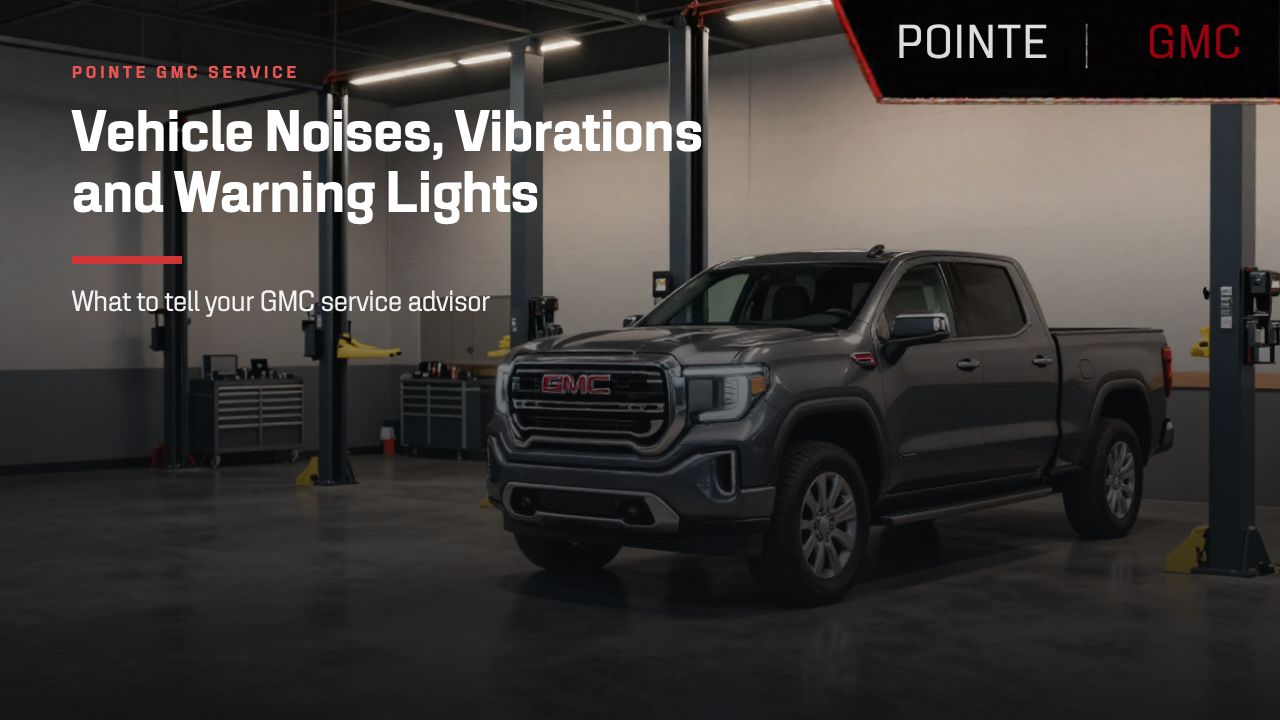
Vehicle Noises, Vibrations and Warning Lights: What to Tell Your GMC Service Advisor

gmc service

An unusual vehicle noise, steering-wheel vibration or dashboard warning message can leave you wondering what to do next. Some concerns happen every time you drive. Others appear only during a cold start, at a certain speed or under specific conditions.

You do not need to diagnose the problem before scheduling service. A clear description of what you notice—and when it happens—helps your service advisor understand the concern.
Whether you drive a GMC Sierra, Canyon, Terrain, Acadia or Yukon, these tips can help you prepare for your visit to Pointe GMC’s service department in Penns Grove, NJ.

Describe the Vehicle Noise or Vibration in Your Own Words

Start with what you hear, feel, see or smell rather than guessing which part needs replacement. “A scraping sound when braking” gives the service team more useful information than “I think I need new brakes.”
For unusual vehicle noises, describe:
  • The sound: Is it a click, squeak, clunk, scrape, rattle or hum?
  • The location: Does it seem to come from the front, rear, engine area or underneath the vehicle?
  • The pattern: Is it constant, occasional or related to a specific action?
For vibrations, explain whether you feel them in the steering wheel, seat, floor or brake pedal. You do not need technical vocabulary; a straightforward description is enough to start the conversation.

Note When the Concern Happens

The conditions surrounding a symptom can be just as useful as the symptom itself. Before your GMC service appointment, write down whether it happens during:
  • Startup or idling
  • Acceleration or steady-speed driving
  • Braking or turning
  • Driving over bumps
  • Cold, hot or wet weather
Include your approximate speed, whether the engine is cold or warmed up, and how frequently the concern occurs.
For example, “My Sierra makes a clunk during the first slow turn out of my driveway” provides more context than “My truck makes a noise.” Only report conditions you have already noticed during normal driving.

Record Dashboard Warning Lights and Messages Safely

If a dashboard warning message appears, record the exact wording once the vehicle is safely parked. A photo can help preserve a message that disappears before your appointment.
Note whether the warning stays on, flashes or appears alongside another symptom. Follow the instructions in your vehicle’s Owner’s Manual for that specific warning light or message.
Do not handle your phone while driving or deliberately repeat a maneuver that feels unsafe. If a concern affects braking, steering or vehicle control, stop in a safe location and seek guidance before continuing.

Share Recent Repairs, Tire Changes and Other Updates

Tell your service advisor about recent changes, even if you are unsure whether they are related. Useful details include:
  • Recent maintenance or repairs
  • Tire replacement or rotation
  • Accessory installation
  • A pothole or curb impact
  • Changes in towing, hauling or everyday vehicle use
Bring available service records and mention whether the concern has been evaluated before. These details provide context without requiring you to determine the cause.
If the issue happens intermittently, share your notes even when the vehicle seems normal at your appointment.

Prepare a Short Description Before Scheduling GMC Service

A useful service request can be as simple as:
“My GMC Acadia has a vibration I feel in the steering wheel at approximately 50 mph. I first noticed it last week, and it happens during most drives. The tires were recently replaced.”
Include your vehicle’s model year, approximate mileage and any related dashboard messages. When booking, describe the concern instead of selecting only a routine maintenance item. Ask whether the team needs additional information and how to plan for the visit.

Schedule GMC Service in Penns Grove, NJ

Clear communication helps your service visit begin with a better understanding of what you are experiencing. You bring the observations; the service team evaluates the vehicle.
If you have noticed a new noise, vibration or warning message, schedule a service appointment at Pointe GMC. Share your notes when booking and bring them to your visit.
Visit Pointe GMC at 91 N Virginia Ave, Penns Grove, NJ 08069, or call the service department at (856) 517-4562.
Recommended Posts

gmc truck bed covers liners and storage

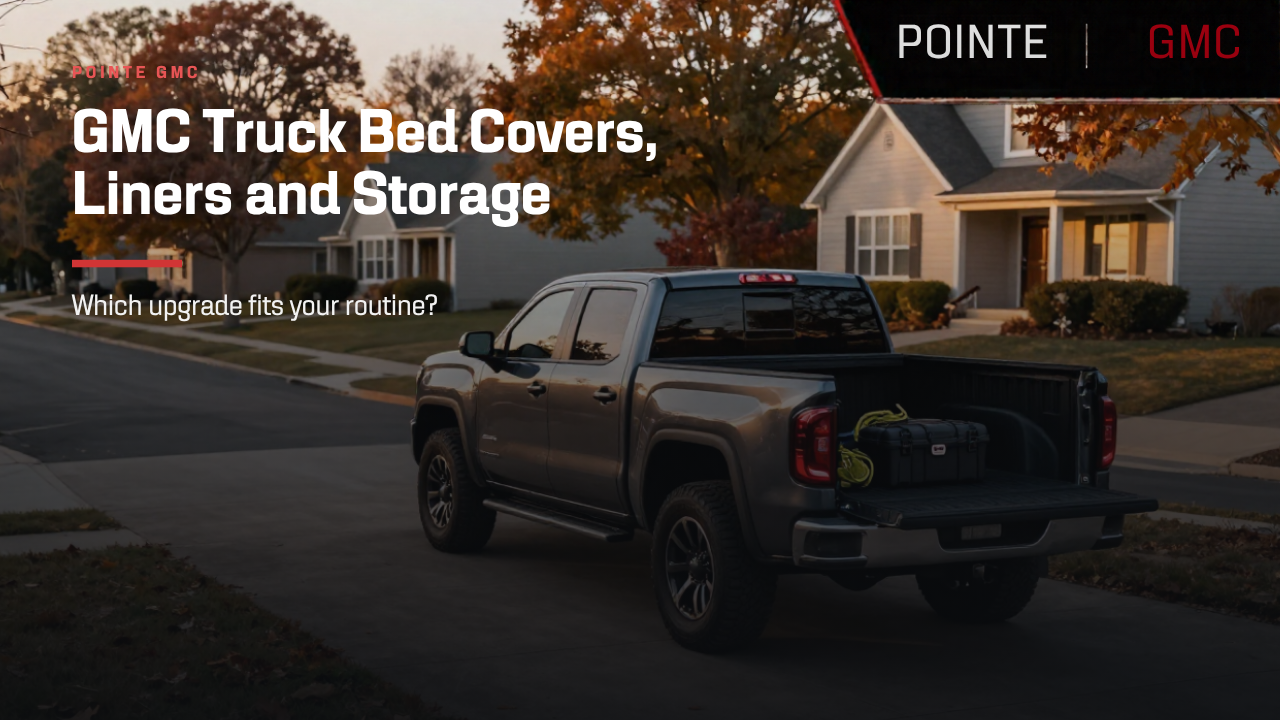
GMC Truck Bed Covers, Liners and Storage: Which Upgrade Fits Your Routine?

The right truck bed accessories can make your GMC more convenient for workdays, weekend projects and everyday errands. But should you start with a tonneau cover, a bed liner or a storage system? The answer depends on what you haul and how you use your pickup. For GMC truck owners in Penns Grove, NJ, choosing an upgrade starts with a simple question: What problem do you want it to solve? Here’s how to compare truck bed covers, liners and storage before placing an order. Truck Bed Covers: Balance Cargo Protection With Easy Access A truck bed cover, also called a tonneau cover, can help shield cargo from weather and keep belongings out of direct view. Different designs open in different ways, affecting how easily you can load tools, groceries or larger equipment. When comparing covers for your GMC Sierra or Canyon, consider: Bed access: How much of the bed remains accessible when the cover is open? Bulky cargo: Can the cover fold, roll or retract sufficiently for taller loads? Security: How does the locking system work with the tailgate? Weather protection: What does the manufacturer specify about water resistance? Do not assume every tonneau cover provides the same security or makes your truck bed completely waterproof. Check compatibility with your tailgate, toolbox and other equipment, too. Before ordering, ask Pointe GMC’s parts team about compatible truck bed covers for your specific vehicle. Truck Bed Liners: Choose a Surface That Suits Your Cargo A truck bed liner helps protect the bed from wear associated with loading and unloading. Liner options differ in surface texture, installation method and care requirements. Start by thinking about what you carry most often. Do you need items to slide easily during loading, or would you prefer a surface with more grip? Also consider how the liner affects drainage, access to tie-down points and the fit of other truck bed accessories. If you drive a pre-owned GMC truck, have the bed’s condition assessed before installation. Existing damage and previous accessories may affect the preparation needed. You can contact Pointe GMC’s service and parts department to discuss liner compatibility and ask about installation options. Truck Bed Storage: Organize Tools Without Losing Needed Space Truck toolboxes, bed dividers and organizers can make frequently used equipment easier to find. They also occupy space that you may need for furniture, building materials or weekend gear. Before choosing a storage system: Measure the tools and equipment you regularly carry. Identify which items need quick access. Leave room for your typical larger loads. Check access to tie-downs and other bed features. An organizer helps manage cargo, but it does not replace suitable tie-downs. Secure your load and stay within your truck’s weight limits. Confirm GMC Truck Bed Accessory Compatibility Truck bed accessories are not one-size-fits-all. Fit depends on your GMC’s model, model year, bed dimensions and installed equipment. Before ordering, confirm compatibility among the cover, liner, storage system and tailgate. Added accessory weight also uses part of your available payload capacity, so include it when planning your load. Have your vehicle information—and preferably your VIN—ready when discussing options with the parts team. Find Truck Bed Accessories at Pointe GMC in Penns Grove, NJ Whether you want easier cargo access, bed protection or better organization, focus on upgrades that support your everyday routine. Contact Pointe GMC in Penns Grove, NJ to ask about compatible GMC truck bed accessories, current availability and installation options. Bring your vehicle details and a description of your typical cargo so the team can help you explore a practical fit.

GMC Truck Bed Accessories

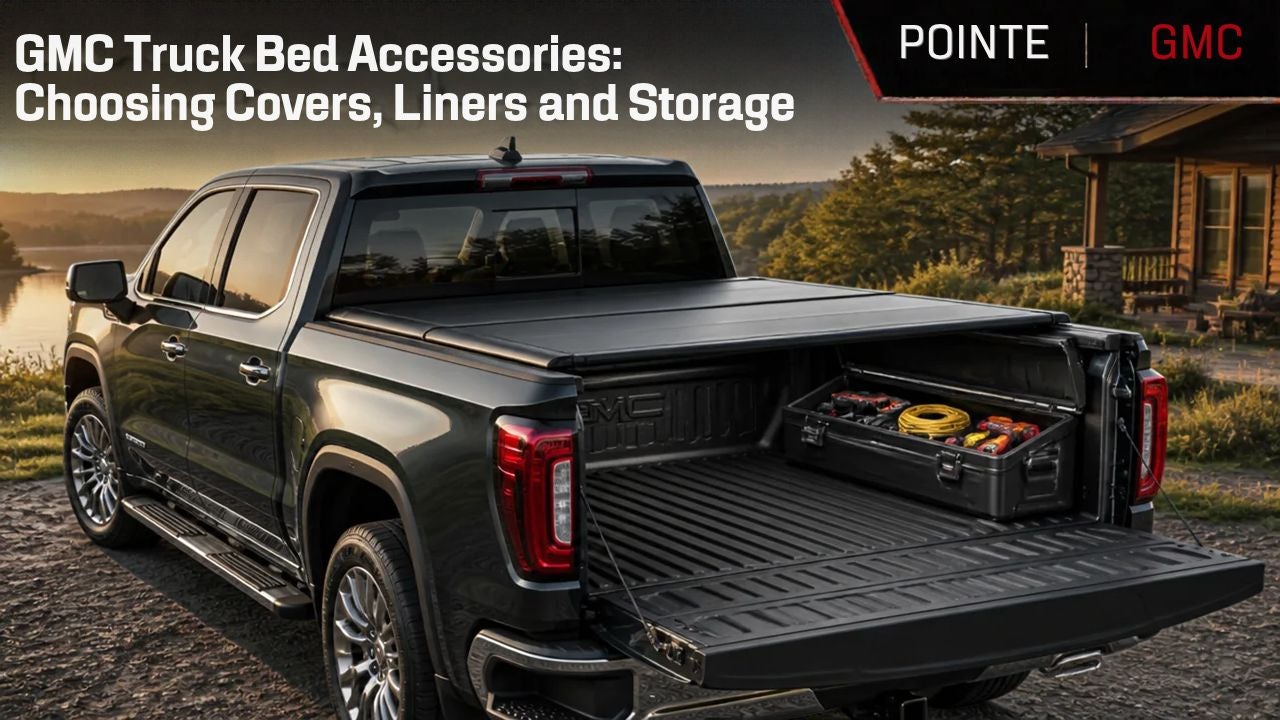
GMC Truck Bed Accessories: Choosing Covers, Liners and Storage

The right GMC truck bed accessories can make everyday hauling more convenient. Whether you carry tools, home improvement supplies or weekend gear, a bed cover, liner or organizer should fit the way you actually use your pickup. For drivers in Penns Grove, NJ, choosing accessories starts with a simple question: What do you need your truck bed to do better? Before ordering, consider how each upgrade affects cargo access, usable space and compatibility with your GMC. Choose a Truck Bed Cover Around Your Access Needs A truck bed cover, also called a tonneau cover, can help shield cargo from weather and keep belongings out of direct view. However, folding, rolling and retractable covers offer different levels of access and convenience. If you frequently haul furniture, equipment or other tall items, consider how easily the cover opens and whether it must be removed for larger loads. If security matters most, review the locking design rather than assuming every cover provides the same protection. Check how the cover works with your tailgate, bed rails and other installed accessories. Weather resistance also varies, so avoid assuming any cover makes your truck bed completely waterproof. Still comparing pickups? Explore GMC Sierra 1500 trucks at Pointe GMC and consider how the bed configuration would suit your typical cargo. Select a Bed Liner That Matches Your Cargo A truck bed liner can help protect the bed from wear associated with loading and unloading. Different liner designs have different surfaces, installation methods and maintenance needs. Think about what you move most often. Would a surface that allows easier sliding help you load heavy objects, or would additional grip better suit your cargo? Before choosing a liner, ask how it affects drainage, tie-down access and compatibility with covers or storage systems. On a pre-owned truck, inspect the existing bed surface and discuss any preparation needed before installation. The Pointe GMC parts department is a starting point for questions about parts and accessory fit for your specific truck. Use Truck Bed Storage to Solve a Specific Problem Toolboxes, dividers and bed organizers can make frequently used items easier to find. They also occupy space you may need for larger loads. Before choosing truck bed storage, measure your equipment and sketch a typical loaded bed. Consider which items need quick access, which should stay separate and how everything will be secured. For example, a toolbox may suit someone who carries hand tools every day, while a removable divider may offer more flexibility for a mix of groceries, supplies and weekend gear. Remember that an organizer does not replace appropriate cargo restraints. Keep tie-down points accessible and stay within your truck’s load limits. Confirm GMC Accessory Compatibility Before Ordering Accessory fit depends on more than the model name. Your GMC’s model year, bed length, tailgate configuration and existing equipment can all affect compatibility. Added accessory weight also reduces the carrying capacity available for passengers and cargo. Check your vehicle’s ratings and account for the combined weight of covers, liners, toolboxes and other equipment. Before purchasing, confirm installation requirements and whether your planned accessories work together. A cover and toolbox that each fit separately may not fit as a combination. Find the Right Truck Bed Setup at Pointe GMC Choosing GMC truck bed accessories is easier when you start with your everyday needs. Focus on upgrades that improve access, protect the bed and keep cargo organized without taking away space you regularly use. Contact Pointe GMC in Penns Grove, NJ to ask about compatible truck bed covers, liners, storage accessories and available installation options. Have your truck’s model year, bed dimensions and typical cargo details ready to help narrow your choices.

GMC truck payload

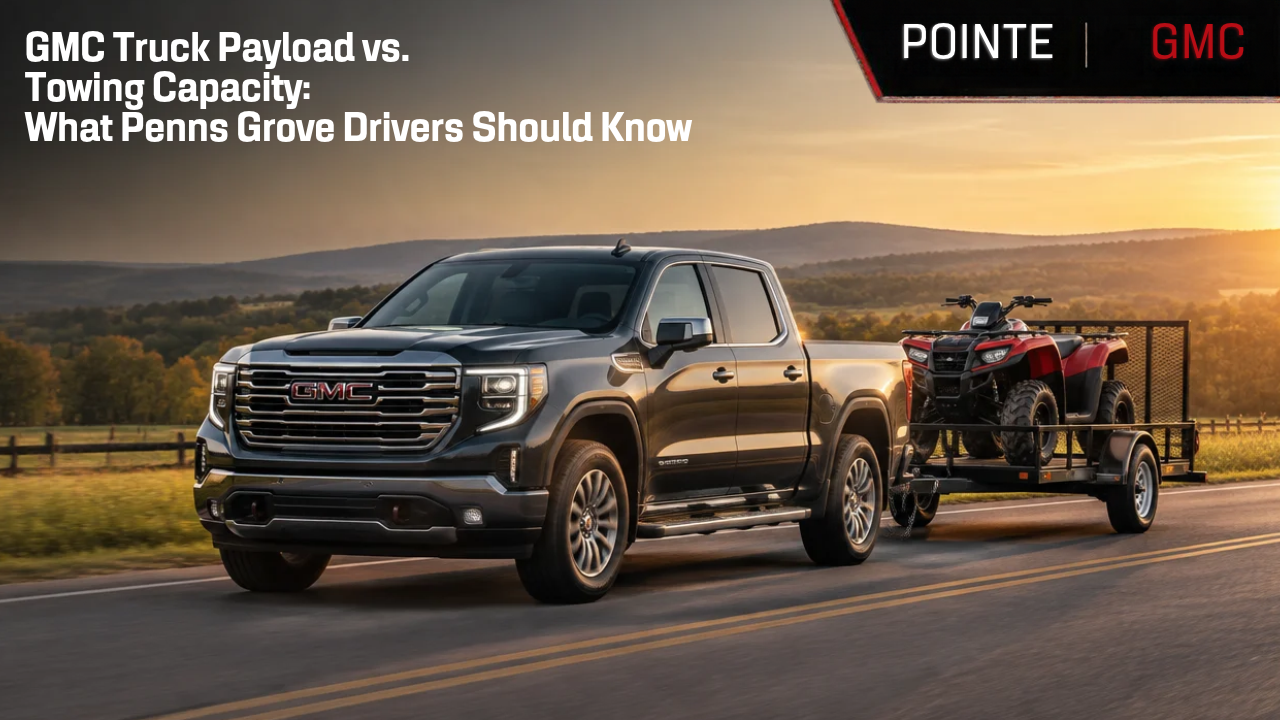
GMC Truck Payload vs. Towing Capacity: What Penns Grove Drivers Should Know

A truck’s towing rating tells only part of its capability story. Whether you are considering a GMC Canyon, Sierra 1500 or Sierra HD, you also need to understand how much weight the specific truck can carry. Passengers, tools, supplies and the weight a trailer places on the hitch all matter. At Pointe GMC in Penns Grove, NJ, we help truck shoppers compare vehicles around their actual workload. Understanding payload and towing capacity can help you narrow your choices and identify the equipment your next GMC needs. What Is Payload? Payload refers to the weight a truck can carry, including passengers, cargo and added equipment. A full cab of passengers, a loaded toolbox and supplies in the bed all contribute to that load. When towing, the weight the trailer places on the truck through the hitch also uses available payload. An empty-looking bed does not necessarily mean plenty of carrying capacity remains. Check the specific truck’s labels and Owner’s Manual to understand its carrying limits. Accessories and equipment added after purchase also need to be accounted for. What Is Towing Capacity? Towing capacity describes how much trailer weight a vehicle is rated to pull under the applicable conditions. That rating depends on the truck’s configuration and equipment. A model’s advertised maximum towing capacity typically applies to a particular setup. It should not be assumed to apply to every truck with the same model name. Engine, drivetrain, cab, bed and trailering equipment can affect the rating. When comparing trucks, look for the trailering information that applies to the actual vehicle you are considering. Why Payload and Towing Capacity Matter Together Imagine loading passengers, a toolbox and weekend equipment into your truck before connecting a trailer. Those items use carrying capacity before the trailer’s hitch load is added. The trailer must also be evaluated at its loaded weight, including the supplies, equipment and other items carried inside it. Its empty weight is not the same as the weight you will tow. Checking towing capacity alone can leave out an important part of the calculation. Payload, axle limits, hitch limits and other applicable ratings still need to be respected. For an existing setup, weighing the loaded truck and trailer can provide more useful information than estimates alone. How Does This Apply to GMC Trucks? Start with how you plan to use your pickup, then check the ratings for the specific vehicle. GMC Canyon The GMC Canyon belongs on your comparison list if you want a midsize pickup. Consider your regular passengers, bed cargo and trailer requirements when evaluating a particular Canyon configuration. Choosing a smaller pickup still requires the same careful review of payload, towing capacity and equipment. GMC Sierra 1500 If you are considering a full-size pickup, explore the GMC Sierra 1500. Compare the actual truck’s configuration and ratings rather than assuming every Sierra 1500 can carry or tow the same amount. Think through your complete load, including people, tools, bed accessories and trailer hitch weight. These details help you identify a truck suited to both daily driving and hauling responsibilities. GMC Sierra 2500 HD For demanding hauling and trailering requirements, include the GMC Sierra 2500 HD in your search. Even with a heavy-duty truck, passengers, cargo, hitch weight and applicable vehicle limits must all be considered. The right choice depends on your complete workload and the individual truck’s configuration—not simply its model name. What Should You Bring When Shopping for a Truck? A little preparation can make your dealership visit more productive. Bring information about: Your trailer’s expected loaded weight The number of passengers you regularly carry Tools, equipment and supplies carried in the cab or bed Accessories you plan to install How frequently you expect to tow or haul If you already own a trailer, bring its specifications and any available scale weights. Explain how you use it, including whether your typical load changes between trips. Ask the dealership team to help identify the relevant vehicle labels and configuration-specific trailering information for the truck you are considering. Find a GMC Truck Suited to Your Workload at Pointe GMC Whether you need a pickup for work or recreation, the right truck should fit your complete load. Understanding payload and towing capacity gives you a stronger starting point when comparing your options. Bring your trailer information and a list of regular passengers, tools and cargo when you contact Pointe GMC in Penns Grove, NJ. Our team can help you compare available GMC trucks and review the configuration-specific information before you choose. Before trailering, review the vehicle’s Owner’s Manual and all applicable vehicle, trailer and hitch ratings. Passengers, cargo and added equipment can reduce available towing capability. Ratings vary by model year, configuration and equipment.